A computer feels slow or unreliable
Performance checks, error troubleshooting and practical guidance on what may be worth changing.
Home IT support
Patient support for the devices, software and online services you use at home, whether you need something fixed, set up or simply explained.
No technical vocabulary required
Slow computer, confusing message, new phone, printer that will not connect, software that no longer works as expected: start with the symptom. Leigh can help narrow down the issue and explain the practical options in plain language.


The list is not a diagnostic checklist. It is a starting point for recognising the kind of support you might need.
Performance checks, error troubleshooting and practical guidance on what may be worth changing.
Installation, updates, compatibility checks and help working through recurring errors.
Accounts, email, printers, accessories and the everyday settings that make the device useful.
Settings, apps, accounts and common device issues explained one step at a time.
Updates, MFA, password guidance, backups and ways to recognise common online scams.
One-to-one training focused on the tasks and services that matter in your day.
One-to-one user training
Training can focus on a specific device, piece of software or online service. The aim is to make the steps understandable and repeatable, with room to ask questions along the way.
When the issue may be physical
Leigh can assess common computer, laptop and mobile device faults. The repair page explains what to include when you get in touch and what happens before work proceeds.
Explore device repairs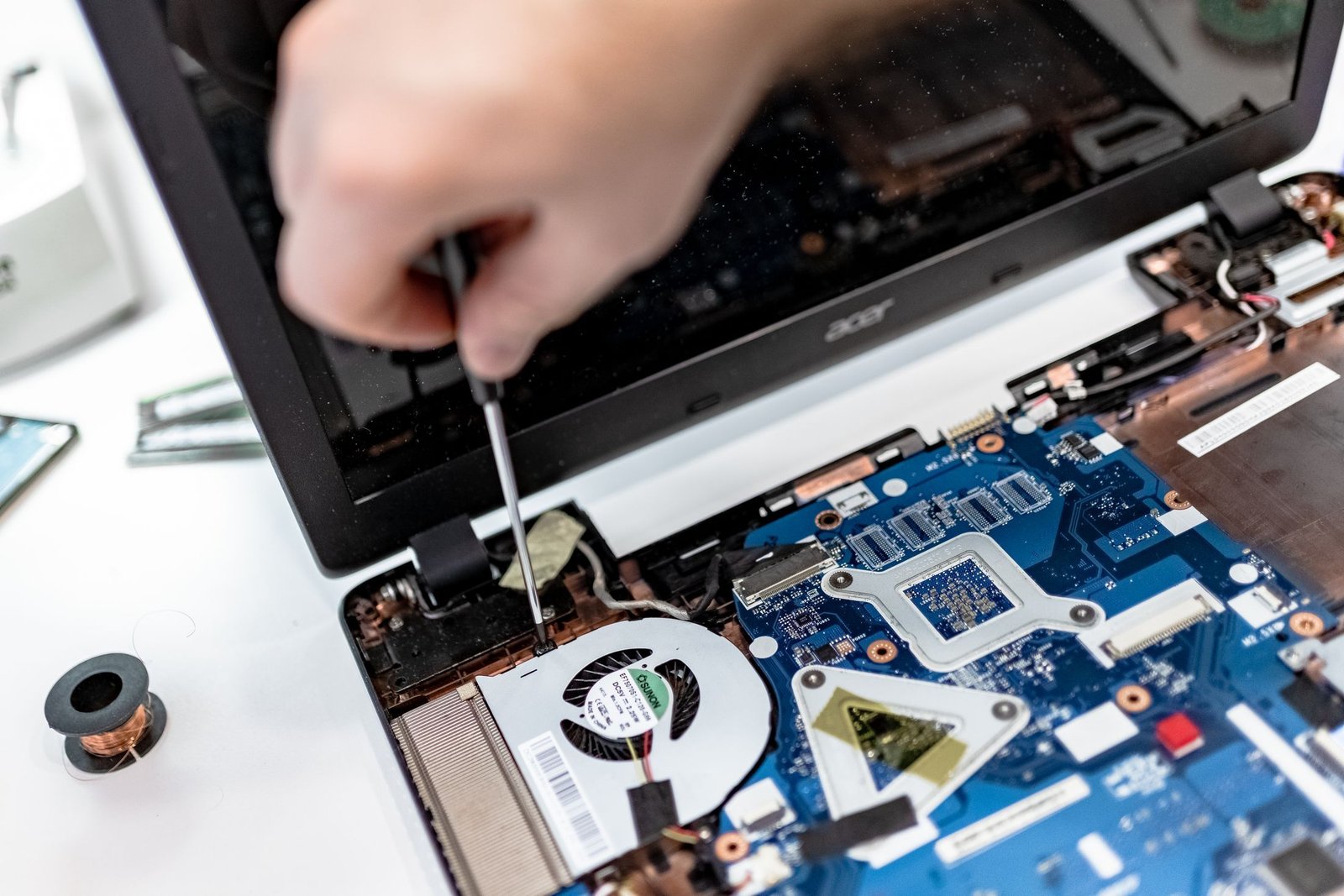
Before you ask
No. Describe what the device is doing, when you first noticed it and anything that changed beforehand. That is enough for an initial conversation.
Often, yes. Software, settings and account issues may be suitable for remote support. Physical repairs and some connection problems need hands-on help.
Yes. User training can be included in support or arranged around a particular device, application or everyday task.
Home IT support
Include the device or system involved, what you have noticed, and whether you are looking for on-site or remote help.
OPEN EMAILcontact@gaiterit.com.au